



The golden rule of margin trading is to decide how much you can afford to lose before choosing your position size. Set a loss budget and a stop distance, then check how much free margin the trade would leave. Your broker’s maximum leverage tells you what size may be available. Your risk budget tells you what size fits your plan.
Key Takeaways
- Set your loss budget first. Use your stop distance and pip value to calculate position size, and allow for costs and possible slippage.
- Margin is collateral. For the same position size and price move, changing leverage changes the required margin while gross profit or loss stays the same.
- Watch equity and free margin. A floating loss reduces equity. When used margin stays constant, free margin and margin level fall too.
- Know your account thresholds. Defcofx lists a 50% margin-call level and a 20% stop-out level. Liquidation can begin below 20% without prior notice.
Margin, leverage and position size
In forex and CFD trading, margin is collateral set aside to support a leveraged position. Leverage determines how much collateral the position requires under the applicable trading rules. Profit and loss depend on the size of the position and the price change, with trading costs and currency conversion affecting the final result.
For a simple forex example, required margin = position notional in account currency ÷ leverage multiple. Symbol rules, tiered rates, pending orders and broker settings can change the actual requirement. Check the platform’s figure before entering. See the Defcofx leverage and margin requirements.
How to calculate forex position size from your risk budget
Suppose a hypothetical USD account has $1,000 of equity and the trader sets a $20 loss budget before costs. The EUR/USD entry is 1.1000 and the planned stop is 1.0960, a distance of 40 pips. This $20 budget is an illustration.
For EUR/USD in a USD account, one pip is $0.0001 per euro traded. Divide $20 by 40 × $0.0001 to get 5,000 EUR/USD units. That is 0.05 lots if one standard lot is 100,000 units. At entry the position is worth $5,500. Its pip value is $0.50, so a 40-pip adverse move produces a $20 gross loss.
When sizing a real trade, allow for spread, commissions where applicable, and possible slippage. Round down to a supported volume step. A standard stop-loss can fill at a worse price if the market gaps or moves quickly. See Defcofx trading conditions.
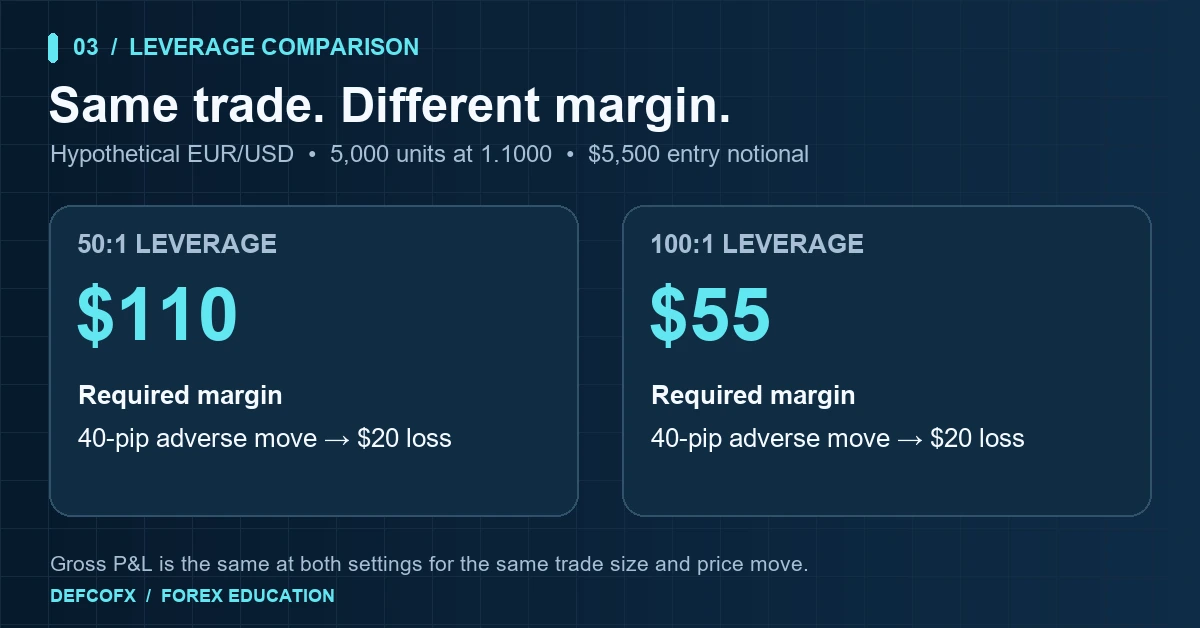
Same position size at two leverage settings
| Measure | 50:1 | 100:1 |
|---|---|---|
| EUR/USD units | 5,000 | 5,000 |
| Entry notional | $5,500 | $5,500 |
| Required margin | $110 | $55 |
| Gross loss after a 40-pip adverse move | $20 | $20 |
How to calculate free margin and margin level
Balance reflects posted account activity. Equity includes floating profit or loss and may reflect other account adjustments. Used margin is the amount reserved for positions and, where applicable, pending orders.
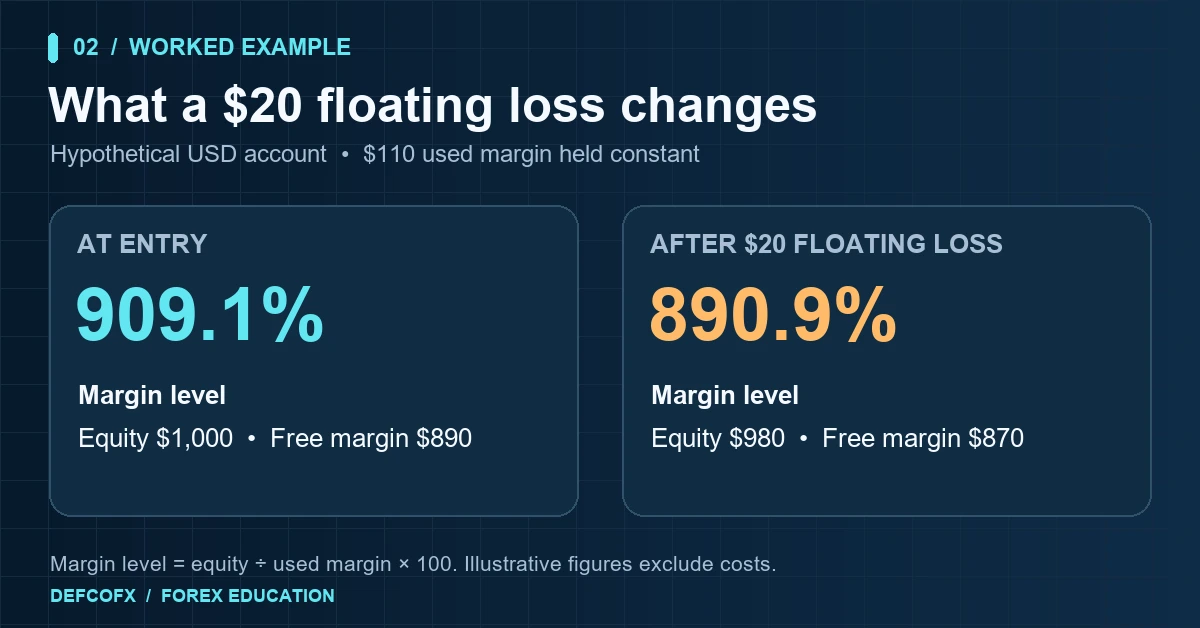
Free margin = equity − used margin. Margin level = (equity ÷ used margin) × 100. The percentage applies when used margin is above zero. These figures appear on the Trade tab in the MT5 desktop Toolbox. See the MetaTrader 5 account fields.
| Account measure | At entry | After a $20 floating loss |
|---|---|---|
| Balance | $1,000 | $1,000 |
| Equity | $1,000 | $980 |
| Used margin | $110 | $110 |
| Free margin | $890 | $870 |
| Margin level | 909.1% | 890.9% |
Margin call vs. stop-out on Defcofx
A margin call is a warning threshold. Stop-out is when the platform starts automatically closing positions under the account rules. Defcofx’s FAQ lists a 50% margin-call level and a 20% stop-out level. Its trading conditions state that liquidation can begin below 20% without prior notice and closures use available market prices. Check your account terms and monitor equity and margin directly in MT5. See the Defcofx FAQ and trading conditions.
A margin level can fall even with no change in equity if required margin rises. Defcofx documents temporary margin changes around major news that can affect existing and new positions. Check the relevant instrument settings and current policy before an event. See the Defcofx account and trading FAQ.
A pre-trade margin checklist
1. Set a loss budget and identify where the trade idea would be invalidated.
2. Calculate position size from that distance and the pip or point value.
3. Compare required margin with your available equity and leave room for open losses or a higher margin requirement.
4. Review total exposure across trades that could lose together. Check the currency pairs correlation table for an example of overlapping exposure.
5. Confirm the stop order and the account’s liquidation rules. If the smallest supported position exceeds your loss budget, skip the setup.
Frequently asked questions
Can I lose more than the margin used for a trade?
Yes. Used margin is collateral, and trade P&L is calculated on the full position. Whether an account deficit is covered depends on the applicable account terms and negative balance protection.
Does a stop-loss guarantee the planned loss?
A standard stop-loss triggers an exit when the stop condition is met. In a fast or gapping market, the execution price can differ from the stop price.
Can my margin level fall when my trade price is unchanged?
Yes. For example, if equity stays at $1,000 and used margin rises from $110 to $220, margin level falls from about 909% to 455%. A broker can change required margin under its trading rules.
Is free margin the same as the amount I can withdraw?
Free margin measures capacity in the trading account. Withdrawal eligibility depends on the broker’s rules and the effect a withdrawal would have on open positions.
Use a Defcofx demo account to practise reading the Trade tab and comparing the margin impact of different position sizes with virtual funds.